- info@ultramobilerepairs.com
- +61 493 696 149
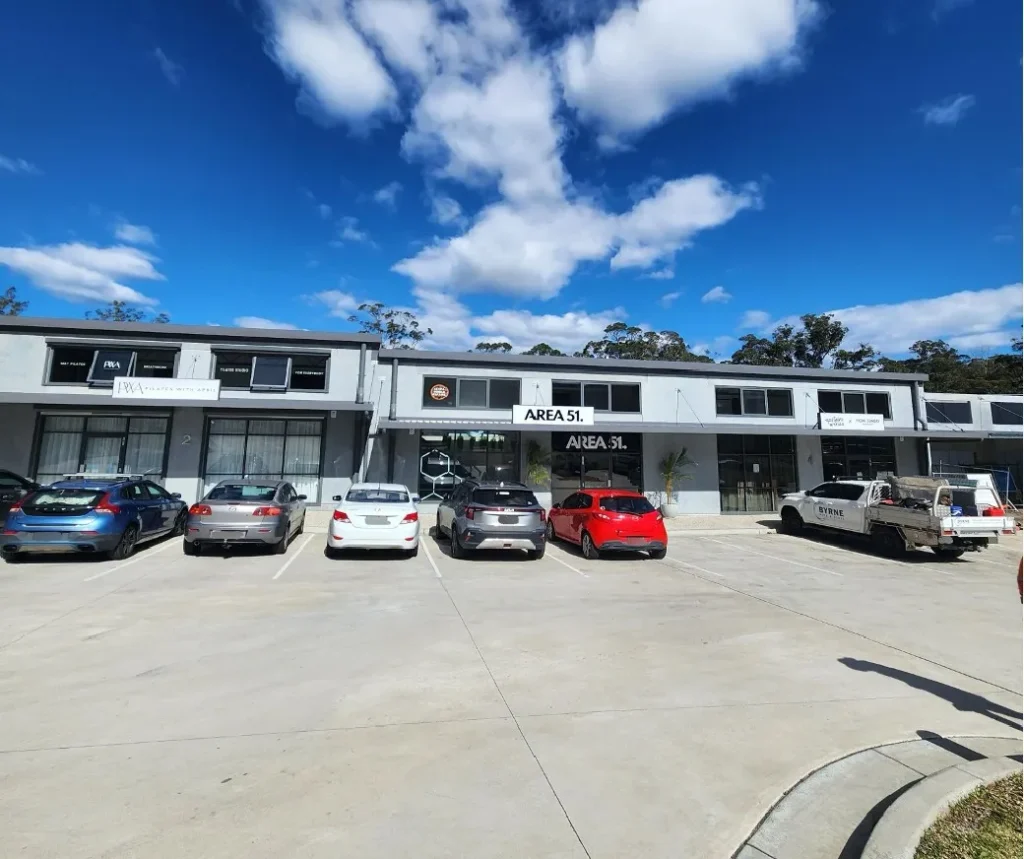
- 3/389 Avoca Drive, Green Point, NSW 2251

From cracked screens and worn-out batteries to charging problems, damaged ports, broken back glass and more, Ultra Mobile Repairs provides professional repairs for phones, tablets, computers and gaming consoles.


 Trustindex verifies that the original source of the review is Google.
 Trustindex verifies that the original source of the review is Google.
 Trustindex verifies that the original source of the review is Google.
 Trustindex verifies that the original source of the review is Google.
 Trustindex verifies that the original source of the review is Google.
 Trustindex verifies that the original source of the review is Google.
 Trustindex verifies that the original source of the review is Google.
 Trustindex verifies that the original source of the review is Google.
 Trustindex verifies that the original source of the review is Google.
To give every customers device our full attention, repairs are handled by appointment rather than a traditional walk in service. This ensures we have the proper parts to complete your repair before seeing us, as well as making sure one of our delivery drivers is available and on site to meet you.
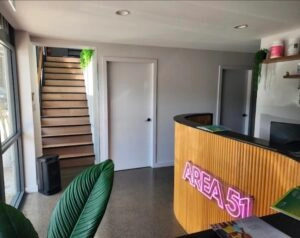
Ultra Mobile Repairs provides a wide range of phone repairs and screen replacements for popular models like Apple, Samsung, Google Pixel and other Android devices.
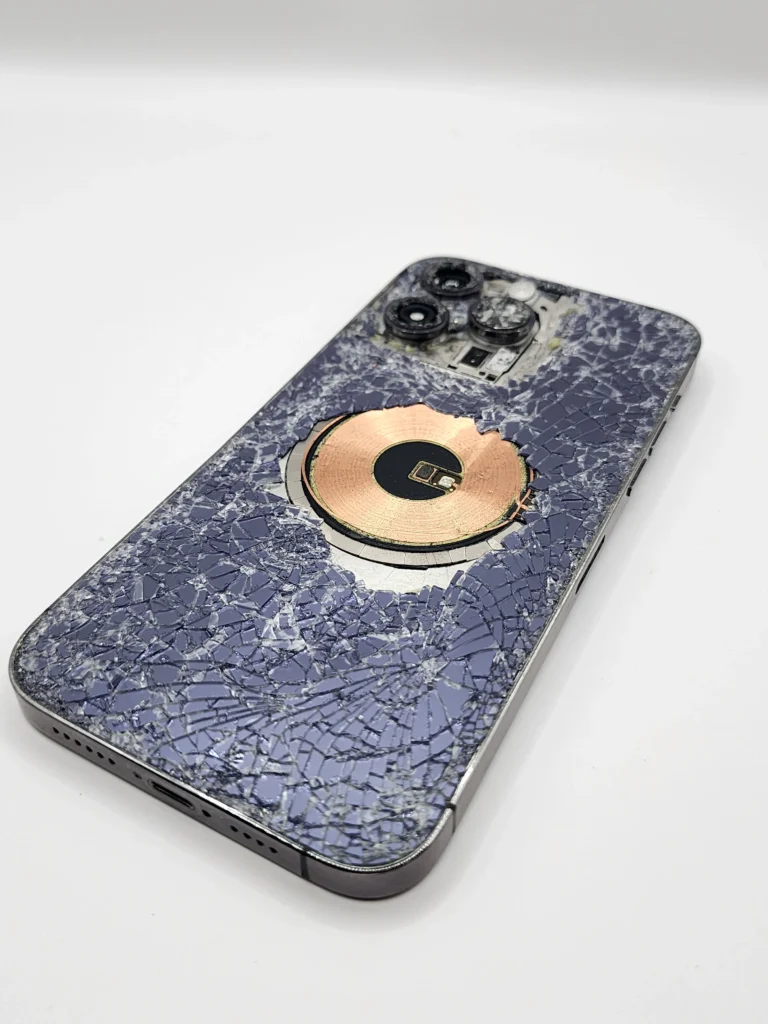
Back Glass Repair
Screen and LCD replacements
Battery replacements
Speaker and microphone issues
Software and device troubleshooting
Back glass replacement
Water and liquid damage assessment
Data Recovery
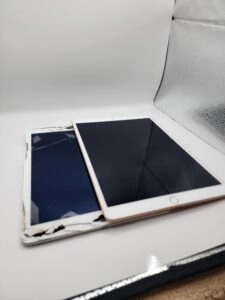
Back glass replacement
Speaker and Microphone Repair
Camera Repairs
Charging Port Repairs and Cleaning
Screen and LCD Replacements
Battery replacements
Software and device troubleshooting
Water and liquid damage assessment
Data Recovery
We also work on gaming consoles, providing cleaning, servicing and repair options for devices affected by dust, overheating, charging problems and other faults.
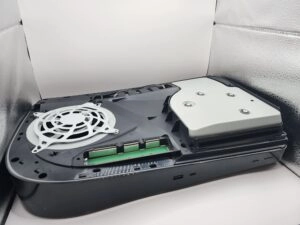
PlayStation Repairs
XBOX Repairs
Nintendo Repairs
Console Cleans
Internal Inspections
HDMI Port Replacement
Disc Tray Alignment
Overheating Repair
Other Hardware Issues
When your phone, tablet, computer or gaming console stops working properly, getting fast solution sorted quickly, matters.
At Ultra Mobile Repairs, we focus on making the repair process straightforward from the initial assessment through to completion.
Many repairs can be completed the same day, subject to the device, fault and part availability. For repairs that require further diagnosis, we’ll keep you informed throughout the process and explain the recommended solution before proceeding.
Email us or Give us a call today! (Our after hours team is available until 7PM Monday to Saturday).
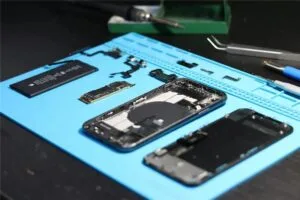
PREMIUM REPLACEMENT PARTS
Our premium replacement parts are selected for compatibility, performance and reliability, providing a high-quality option for customers who want the closest possible replacement to the original component.
AFTER-MARKET & PULLED PARTS
For certain repairs, quality aftermarket or pulled original parts can provide a more affordable alternative while still offering a practical repair solution.
We’ll explain the available options for your device before the repair begins, so you know what your paying for and can choose the option that works for you
All replacement products are tested and eligible repairs are backed by our 6-month warranty, subject to our
Call our Green Point workshop to get a free quote and book in for a professional assessment either in store or from the comfort of your home.
UMR provide flexible and personalized device servicing to our customers. To organise a repair, you can:
We explain the likely fault, repair options and expected cost before proceeding, so you can make an informed decision.
Many common repairs can be completed the same day, depending on the repair required and part availability.
Cant make it into the store? We can come to You!
We offer pick-up & Delivery for our customers inside our Central Coast servicing area. To learn more about this service:
If you are not sure what phone you have then you can go through these quick and easy steps to find out.
Step 1. If the screen works you can simply go to your settings to see what phone model you have.
For Apple Phones.
Go to Settings>General>About. You should see your phone model in the third row down.
For Android Devices.
Go to Settings>About Phone (normally at the bottom of the setting menu)> Your phone model can be seen in the second row down.
For iPads.
Look for the 5-digit model code beginning with A (e.g. A1567). This code can be found on the back cover of the iPad. Enter the code into google and it will show you your model.
Step 2. If the screen doesn’t work and you can’t access the setting then you will need to locate the phone IMEI number. This code is 15 numbers long and can be found either on the back of the phone or on the sim tray where your sim card sits (these numbers are very small so look carefully).
Step 3. Once you have the IMEI number, go to an IMEI check website and put in your 15 digit number and press "check IMEI".
Make sure you back up your data and update it to ensure no important information gets lost. Also bring any email, phone, Google, Apple etc. passwords you might need.
Yes we accept Afterpay.
Shop 3, 389 Avoca Drive
Green Point NSW 2251
_
Open: Monday–Saturday: 9:30am–5:00pm
_
Phone: 0493 696 149
Email: info@ultramobilerepairs.com
_